Watch Photography: How to Shoot a Watch in 6 Steps
Watch photography in 6 steps: prep and 10:10, the shot list, light for the crystal, background, focus stacking, and a final check. Get one image free.

Watch photography is the job of showing a dial through a piece of glass that would rather show the room. Get the glass right and almost everything else follows.
A watch photo shoot comes down to 6 steps:
- Clean the watch and set it to 10:10
- Plan the shot list
- Light the crystal
- Choose the background
- Focus stack the macro
- Retouch, then check against the watch
We build luxury watch imagery for brands, often from one photo of the watch. The steps below are the ones we check on every image.
Step 1: Clean the watch and set it to 10:10
At macro size, a fingerprint on a polished case reads as wear. Clean the watch last, right before it goes on set, with a microfiber cloth and cotton gloves. Then use a rubber blower on the crystal (the clear glass over the dial) and the bracelet links, because a cloth only moves dust around.
Peel off any protective film from the caseback and clasp. Size the bracelet so it closes in a round loop, or use a cushion that holds it in shape.
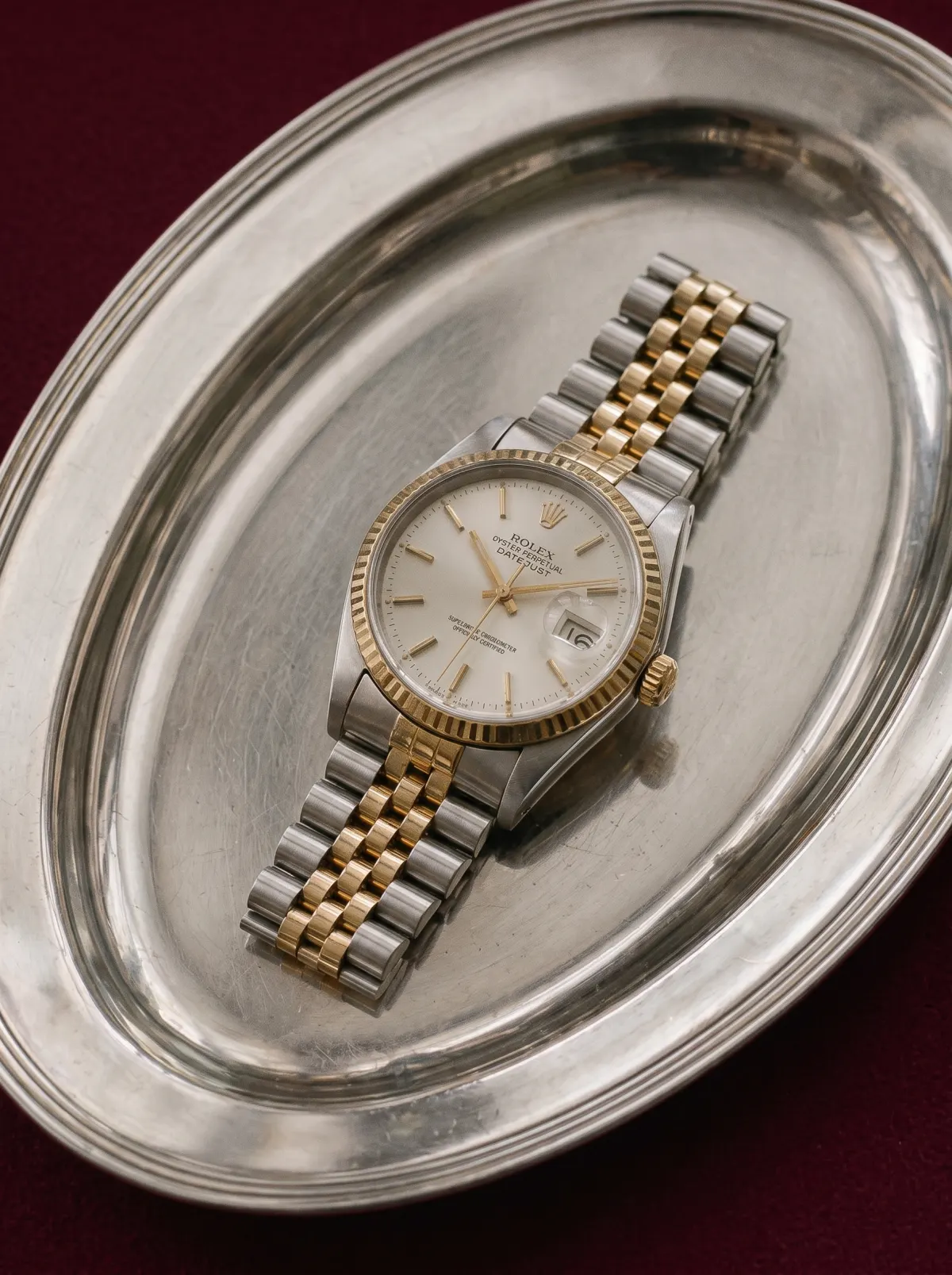
Then set the time. 10:10 frames the logo under 12 and keeps the hands off the date and most subdials. It also does something on its own: in a 2017 study, Karim and colleagues found that watches set at 10:10 lifted viewers’ mood and intention to buy, without the viewers noticing why.
On most watches, pull the crown out to stop the seconds hand, so it sits in the same place in every frame. For chronograph photography, reset the chronograph hands to zero first, so the subdials read cleanly.
Step 2: Plan the watch photography shot list
Each angle answers one question a buyer would ask at a counter. Plan them before the shoot, not on the day:
- Front: the dial, square to the camera. This is the main product image.
- Three-quarter: the case depth and the bezel, turned about 30 degrees.
- Crown side: the crown, and the pushers on a chronograph.
- Caseback: the movement, if it has a display back, or the engraving if it doesn’t.
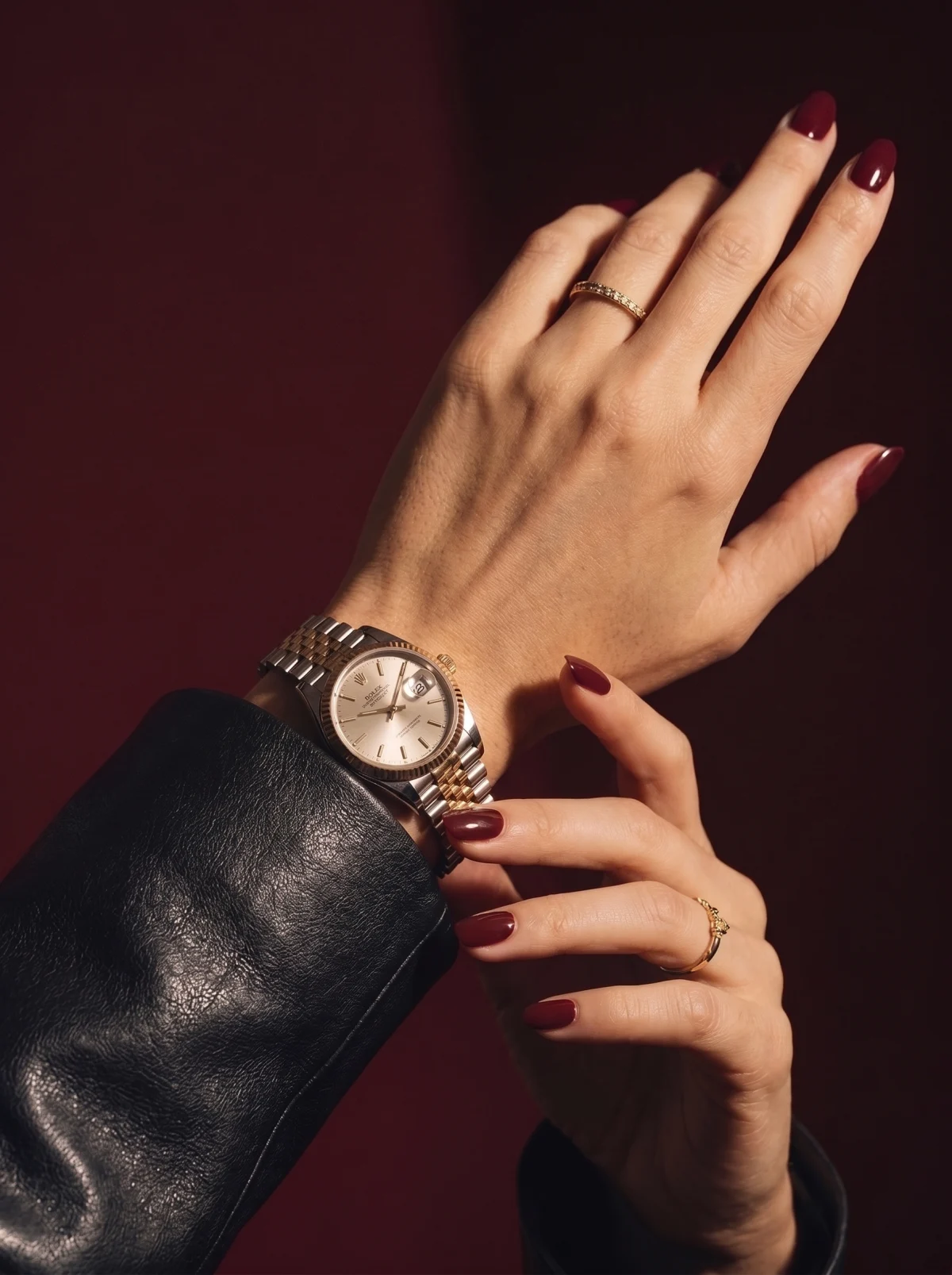
- Wrist: the size on a real arm. This is the shot that answers “will it look too big on me”.
- Macro: the indices, the hand finishing and the dial texture.
Campaign images come after these, not instead of them. A watch can look right in a scene and still leave a buyer guessing how thick the case is.
For wrist watch photography, choose a wrist close to your buyer’s size and a plain sleeve, so the watch is the only detail in the frame.

Step 3: Light the crystal, not the dial
The dial is easy to light. The crystal is the problem. A domed sapphire crystal reflects a wide arc of whatever sits in front of it: the softbox, the ceiling, the camera. The photographer’s own face turns up in it fairly often.
Start with one large, soft light source. A light tent or a sheet of tracing paper between the lamp and the watch works. Hung Doan of Worn & Wound (2017) uses a foldable light box and a 5,500 to 6,000K lamp for this, because the even light keeps polished steel from blowing out.
Then shape the reflections with cards:
- Black card with a hole for the lens. Put it in front of the camera. The crystal now reflects black, and the dial reads through it.
- White card at the side. It puts a clean bright line along a polished bezel and shows the shape of the case.
- Tilt the watch a few degrees. The reflection on the crystal slides off the dial instead of across it.
Each metal needs its own setup. Polished steel shows every card as a hard shape, so place them on purpose. Brushed steel spreads light, so it needs a bigger source to look silver instead of gray. Gold picks up the color of the room, so keep everything near it white or black.
A blue or purple sheen across the dial is the anti-reflective coating. Change the angle until it fades. Don’t try to retouch it out later.
Step 4: Choose the watch photography background
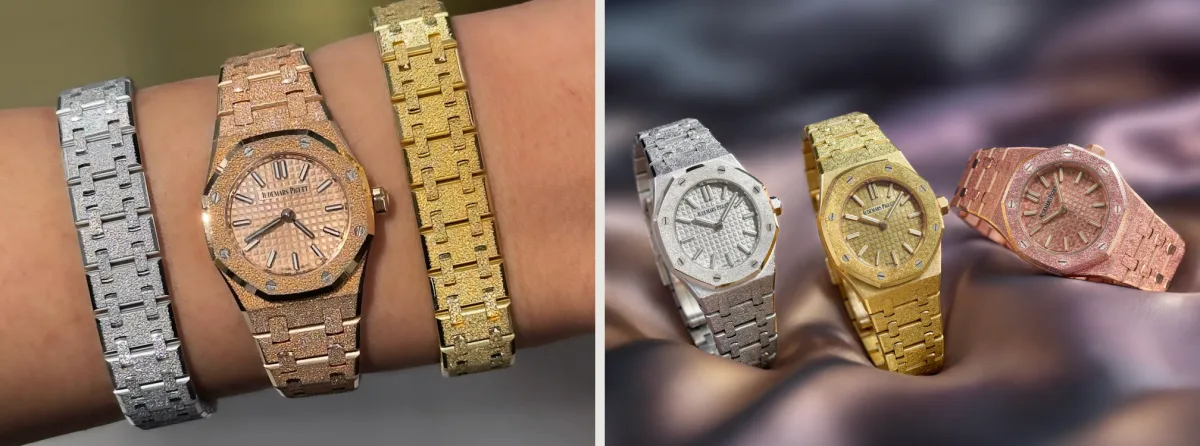
White is the standard for watch product photography. It matches the rest of your catalog and lets the outline of the case read cleanly at thumbnail size.
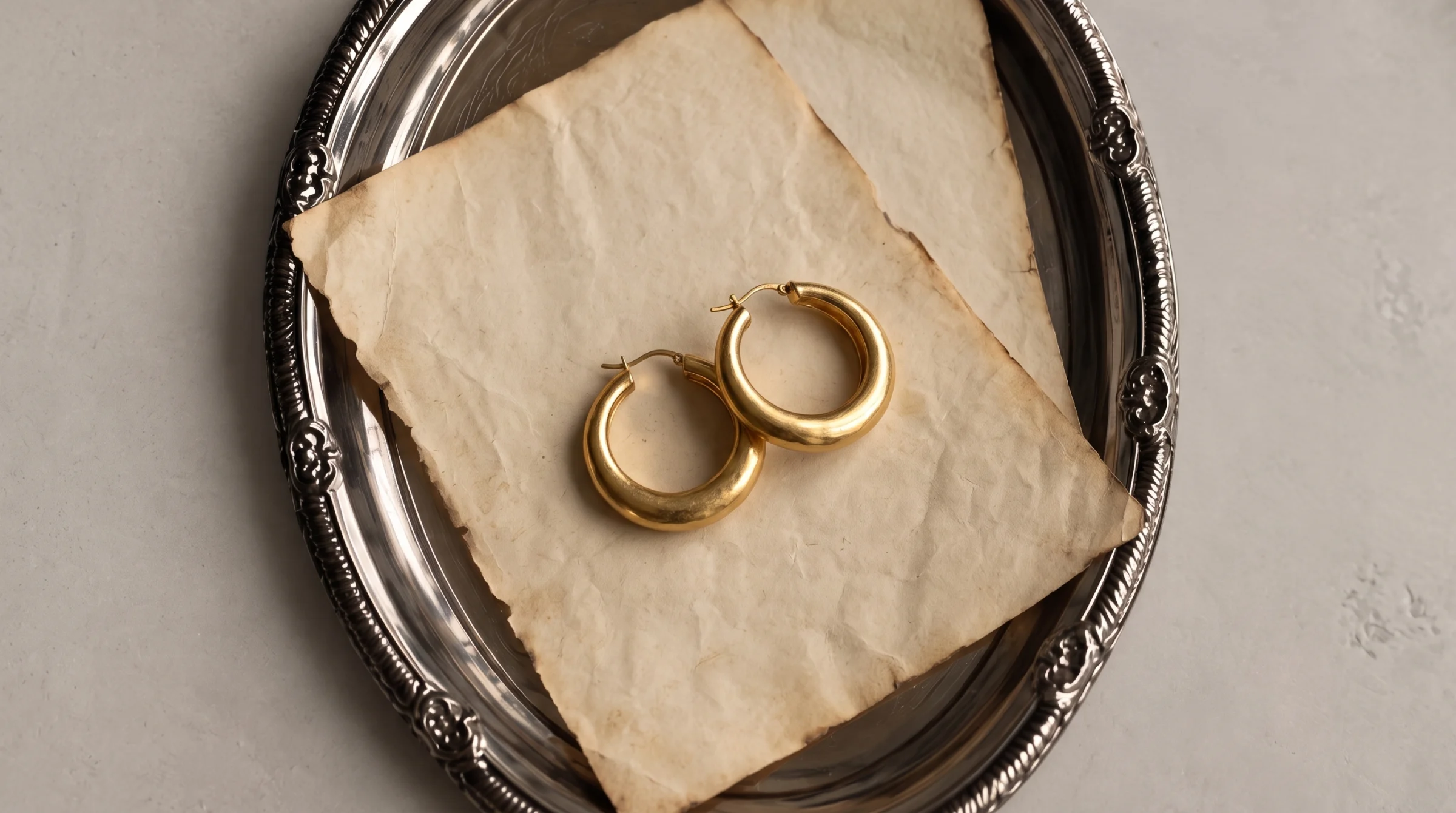
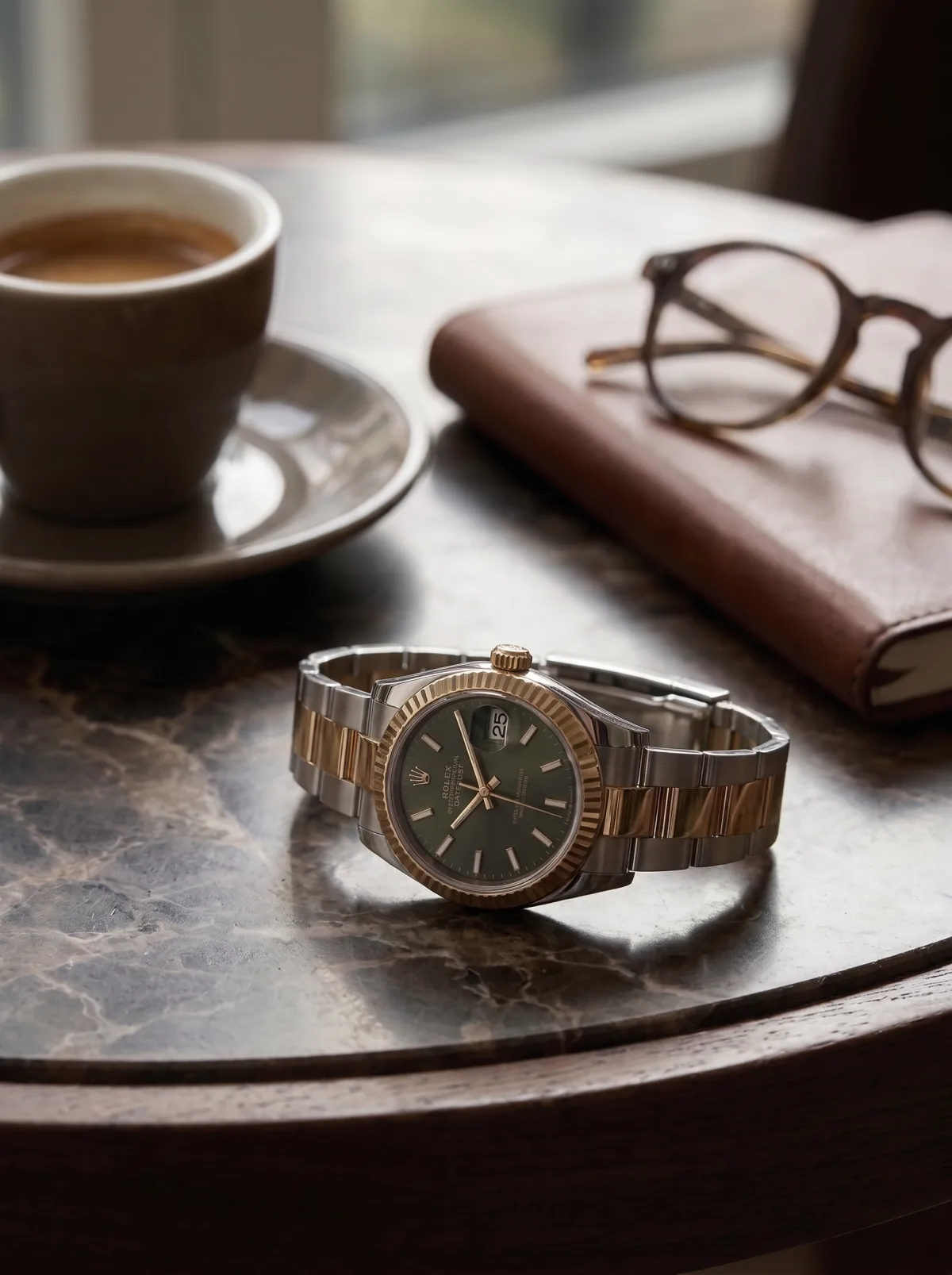
Stone, wood, leather and dark fabric are for campaign images. Pick one that fits the person who wears the watch, not the one that is easiest to find.
Choose colors carefully, because a polished case is a mirror. A blue backdrop turns steel blue, and a warm wood surface makes white gold look yellow. Neutral backgrounds keep the metal the color it really is.
Step 5: Focus stack the macro
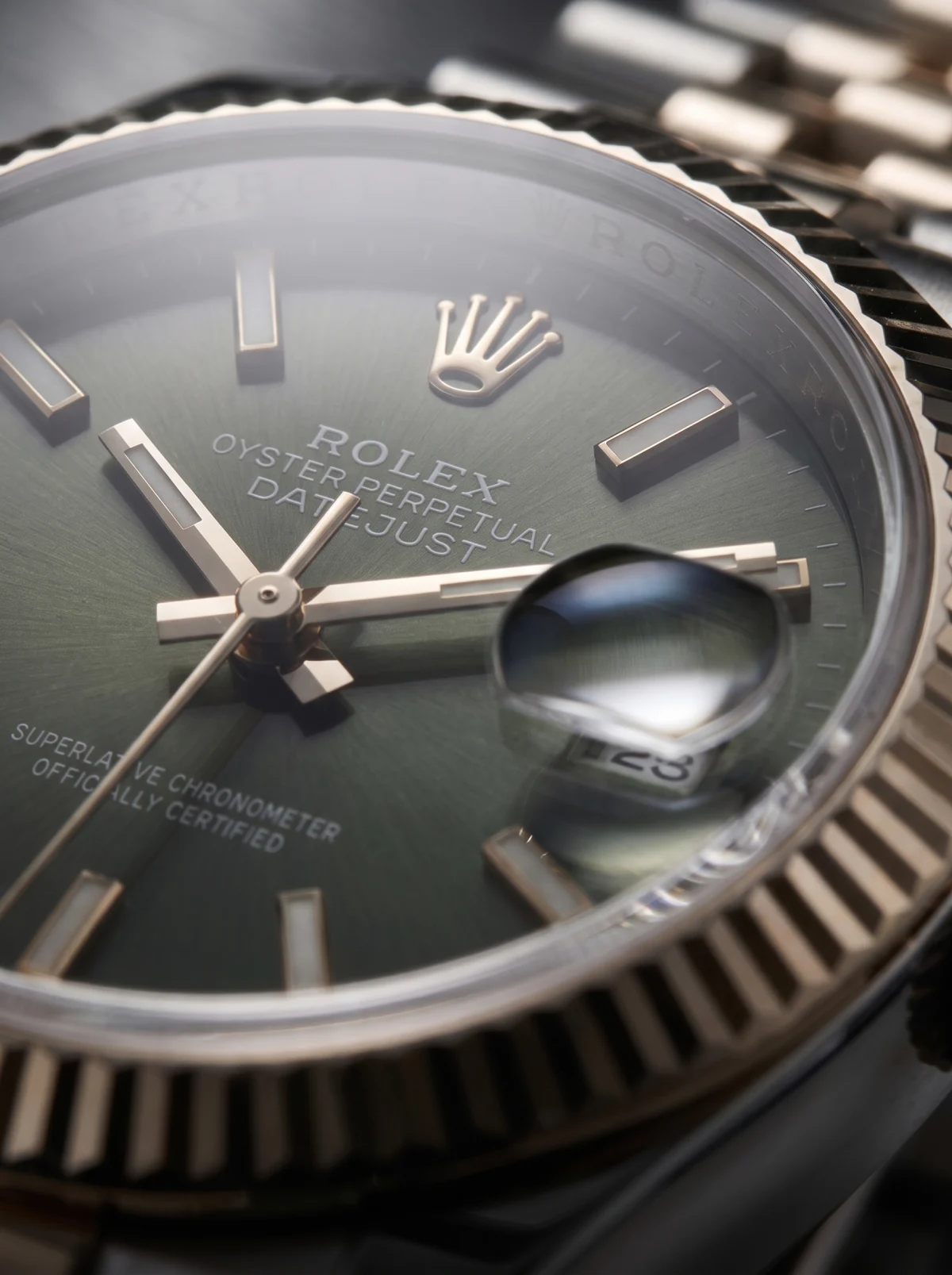
Up close, the sharp zone is too thin for one frame. Focus on the hands and the indices go soft. Focus on the indices and the hands blur.
The fix is focus stacking. Put the camera on a tripod and lock the exposure. Take a series of frames, moving the focus a little each time from the front of the crystal to the dial. Then merge them in software into one image that is sharp from edge to edge.
For a front shot at product-page size, one frame at a small aperture is often enough. The stack earns its time on the macro.
In luxury watch photography, the macro is the image buyers zoom into to judge the price. A macro lens in the 90 to 105mm range helps twice. It focuses close enough for the dial texture. It also lets you stand back, so the camera stays small in the crystal.
Shoot the stack at the same 10:10 as the rest of the set. A macro with the hands at a different time looks like a different watch on the same page.
Step 6: Retouch, then check against the watch
Retouch dust, lint and the marks left by handling. Leave the hands, the indices, the dial text, the lume and the case finishing exactly as they are. Those are the watch.
Then hold the real watch beside the screen and compare the two. Check the date window, the spelling on the dial, the number of indices and the strap color. Read the logo letter by letter.
Last, run the crystal test. Open your main watch image on your phone and zoom into the edge of the dial. If you can’t read the minute track through the glass, the crystal was photographed but never lit. Go back to Step 3.
The same check matters on AI product photography, where the risk is the watch itself changing. Our jewelry photoshoot guide covers the same final check for rings and chains, and the work page shows finished watches next to the rest of the range.
A clean watch at 10:10, 6 angles, a light tent, a black card with a hole in it, a tripod and a focus stack. Or send us the photo that failed the crystal test. The watch stays exactly yours: dial, hands and logo untouched, checked by hand. We build the light, the setting and the wrist around it. We can build one image for you at no cost.
Hypervision. Read through the glass.
Questions people ask
How do I photograph a watch with my phone?
Use the phone's telephoto lens from about an arm's length away, not the macro mode, which puts the phone close enough to show up in the crystal. Shoot next to a window with a thin curtain, with the room lights off. Hold a black card with a hole for the lens in front of the phone to keep its reflection out of the glass.
What is the best background for watch photography?
White for the product page, because it matches the rest of your catalog and lets the case shape read cleanly. Stone, wood or dark fabric for campaign images. Choose a background close to neutral, because a polished case takes on its color.
How do you photograph a watch at home?
A small light tent, a desk lamp with a daylight bulb, a sheet of tracing paper and 2 cards, one black and one white, cover most shots. Put the camera or phone on a tripod. Set the watch on a cushion or a rolled towel so the strap curves the way it does on a wrist.
Why are watches photographed at 10:10?
The hands frame the logo under 12 and stay clear of the date and most subdials. A 2017 study by Karim and colleagues also found that watches set at 10:10 lifted viewers' mood and their intention to buy.
What lens is best for watch photography?
For watch macro photography, a macro lens in the 90 to 105mm range. It focuses close enough for the dial details and lets you stand back far enough that the camera barely shows in the crystal.
What are some watch photography ideas?
Start with the 6 shots most watch pages need: front, three-quarter, crown side, caseback, wrist and macro. For campaign images, place the watch in a setting that fits the person who wears it, like rough stone for a field watch or a dark desk for a dress watch.